
Materials to cards
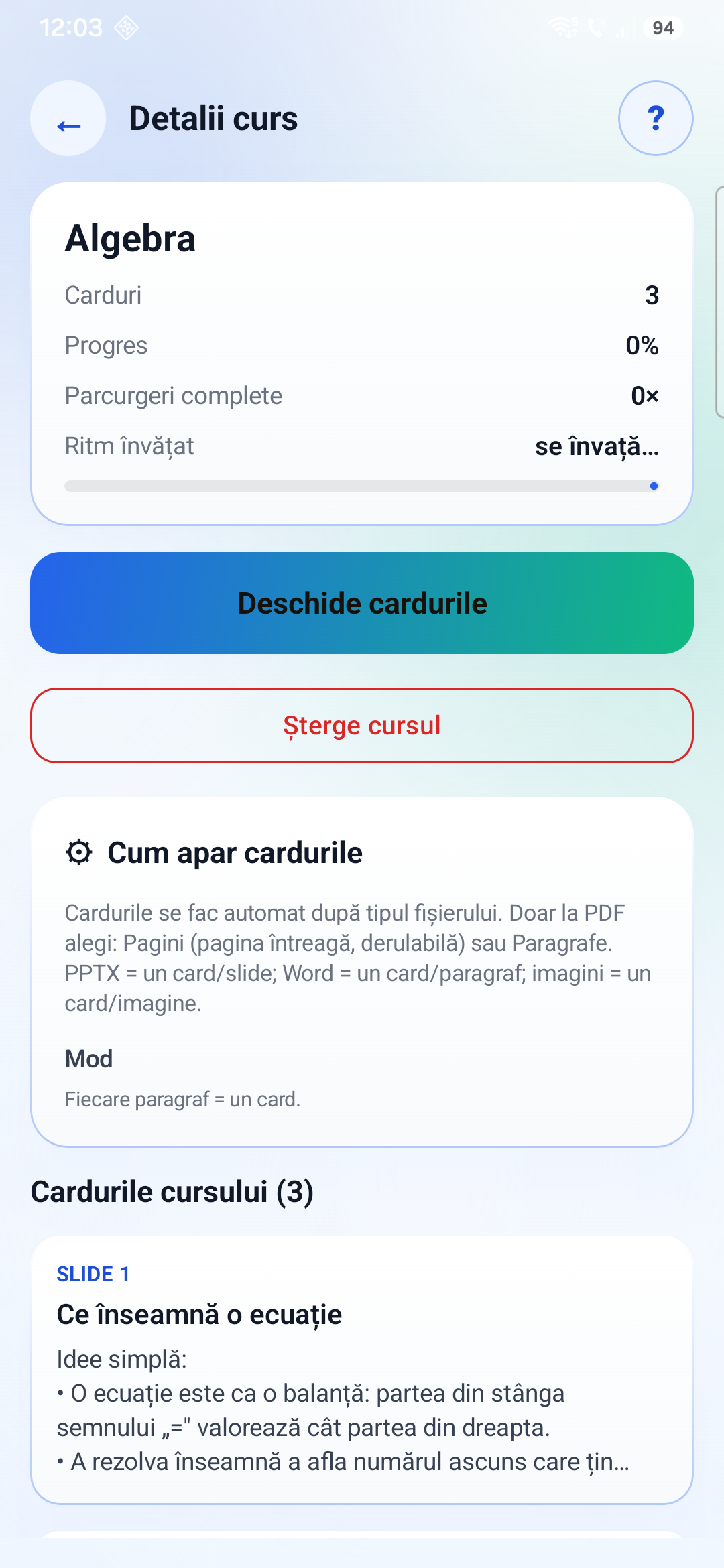
PDFs, slides, Word documents, text files and images can become scrollable study cards. PDFs can be split by page or by paragraph; slides, Word paragraphs and images become card units.
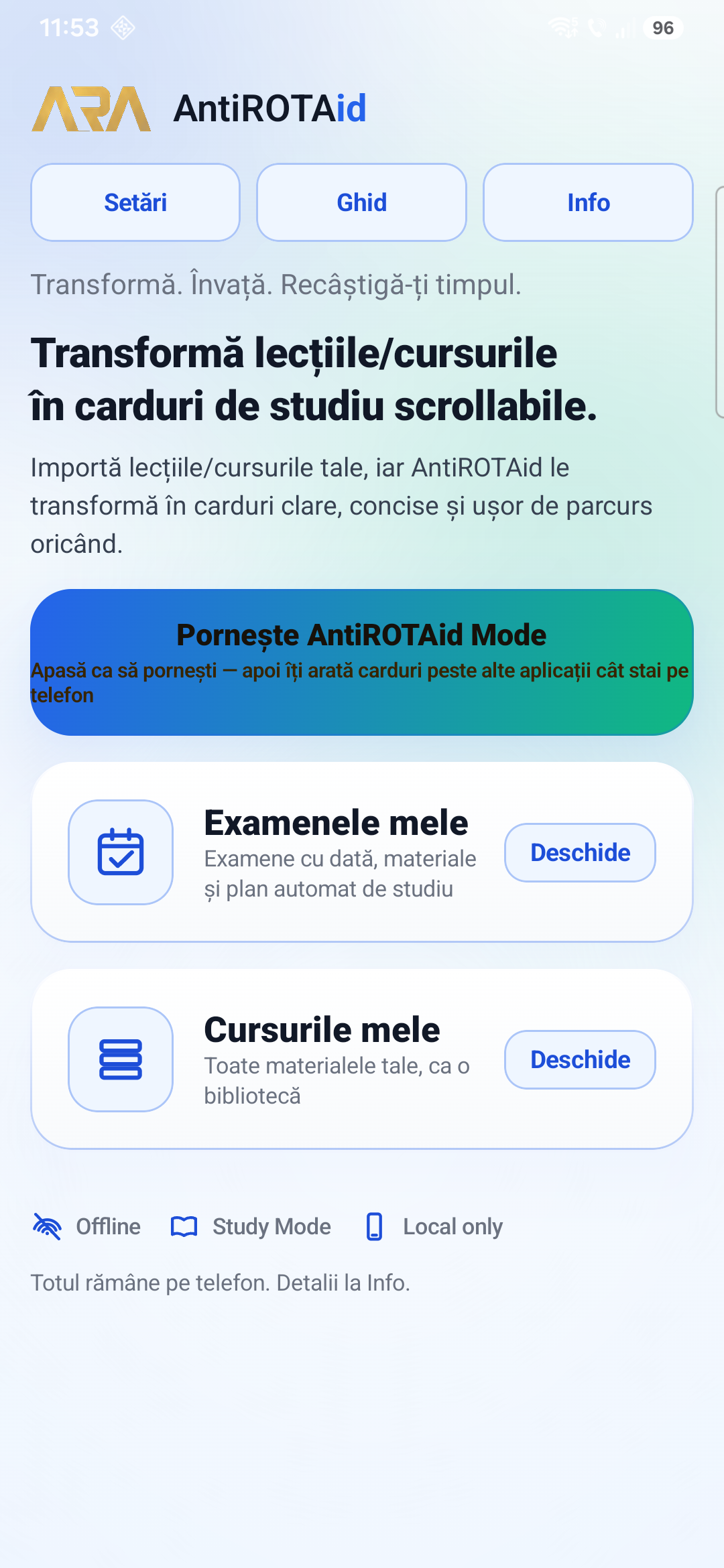
AntiROTAid turns your own study materials into short, scrollable cards. When AntiROTAid Mode is active, your study cards can appear over other apps while you use your phone.
Same app, both platforms. Free, no account, no ads, and nothing leaves your device.
Import your own material, organise it by course or exam, and review it as a vertical card feed. The app is designed for repeated, small study moments directly on your phone.
PDFs, slides, Word documents, text files and images can become scrollable study cards. PDFs can be split by page or by paragraph; slides, Word paragraphs and images become card units.
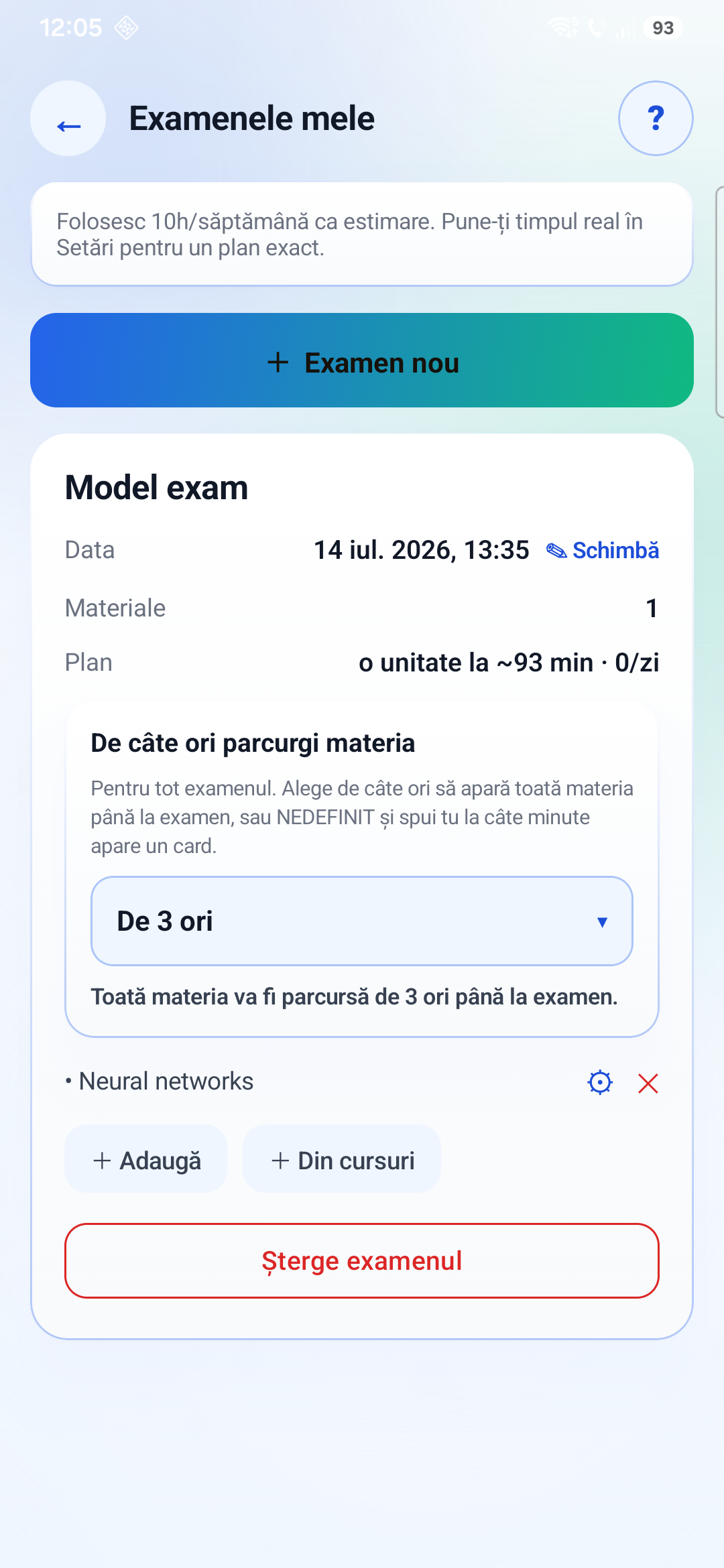
Keep materials in a local course library, add exam dates, and let the app estimate a study rhythm from your exam plan and available phone-study time.
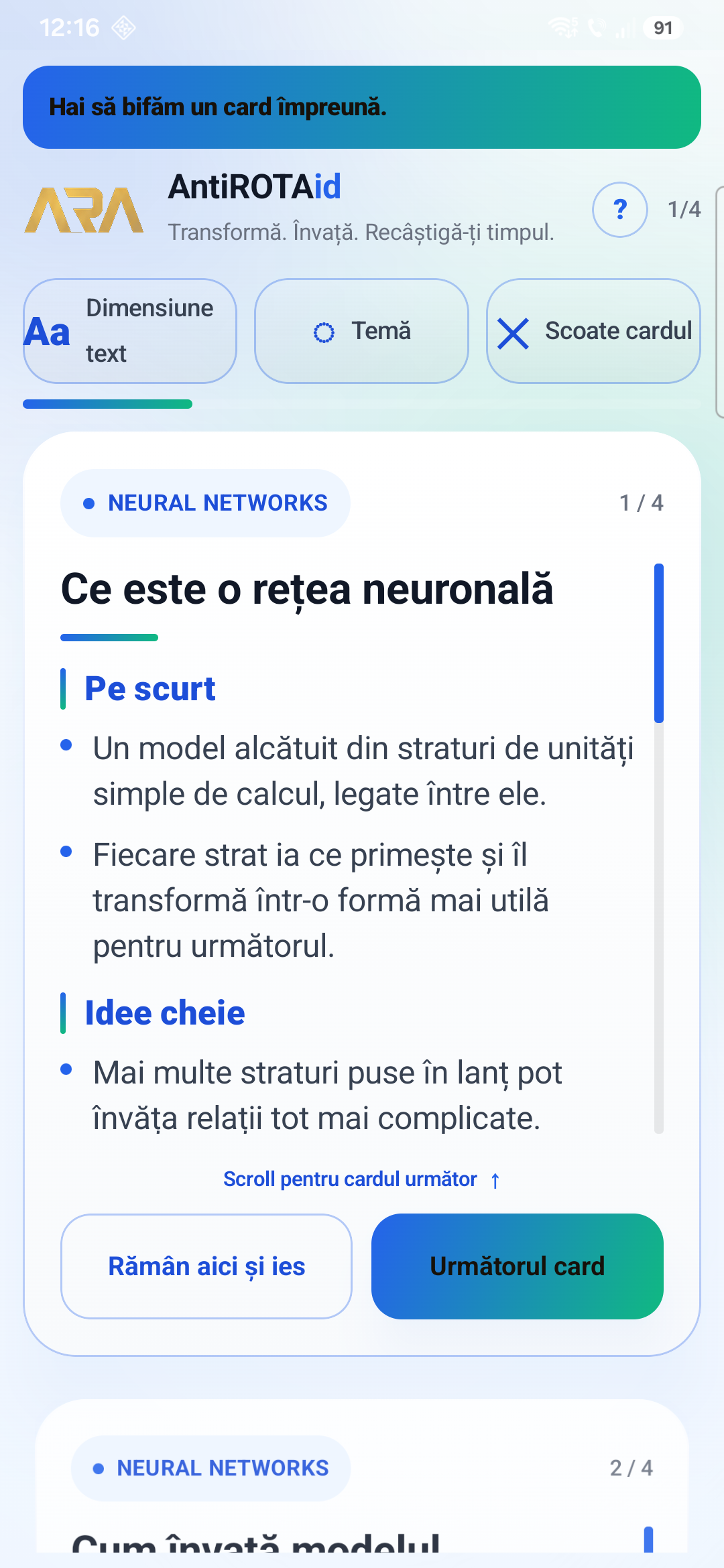
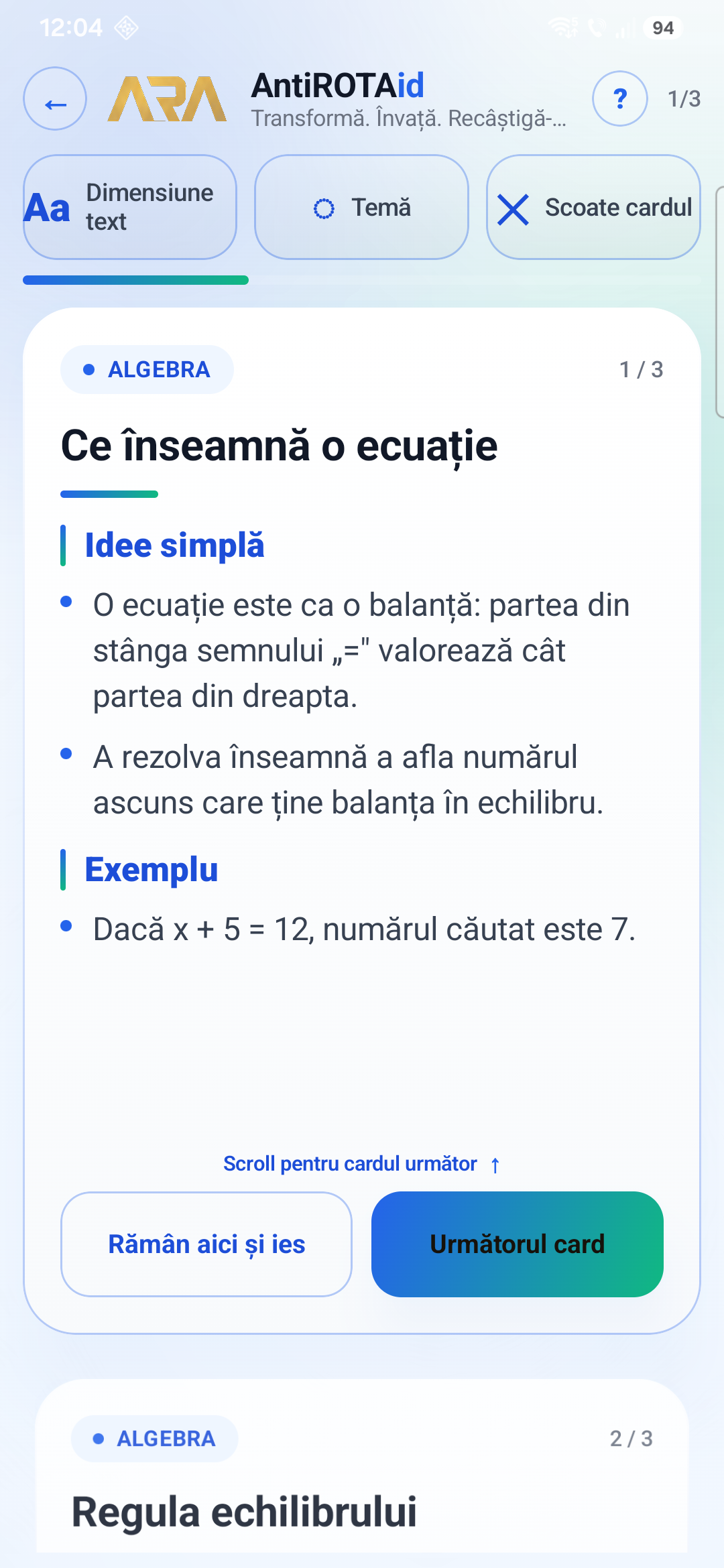
Cards show concise material chunks with progress, text-size controls, theme controls, and visible exit/remove controls.
These screenshots show the public AntiROTAid flow: home, course details, card feed, exam planning and the overlay card experience.
AntiROTAid asks for four Android permissions. The internet permission is not one of them. An Android app without INTERNET cannot open a network connection at all, so nothing you import can leave the phone even by accident. This is not a promise on a page, it is readable from the package in half a minute.
SYSTEM_ALERT_WINDOW — draw the study card over other apps, only while AntiROTAid Mode is on.FOREGROUND_SERVICE and FOREGROUND_SERVICE_SPECIAL_USE — keep that mode running visibly.POST_NOTIFICATIONS — show the notification that carries the Stop button.
No INTERNET. No PACKAGE_USAGE_STATS, so the app cannot see which apps you open. No accessibility service, the mechanism most screen-time apps rely on. No camera, microphone, location, contacts or account.
Pull the APK off the device or take the one from Play and run:
aapt2 dump badging AntiROTAid.apk
Every declared permission is printed on the uses-permission lines.
Full disclosure on that command: it also prints app.antirotaid.DYNAMIC_RECEIVER_NOT_EXPORTED_PERMISSION. The Android build tools generate it for the app's own internal broadcasts. It is signature-level and app-private, it grants no access to the device, and Android never shows it to the user.
Your materials, cards, exam settings and progress stay on the phone. The public build is described as offline and does not require an account.
AntiROTAid Mode can place a card over the current screen, but it does not use Android app-usage access and does not track which apps you open or how long you spend in them.
Overlay cards have exit controls, and AntiROTAid Mode runs with a foreground notification so the mode can be stopped.
Free on Google Play for Android and on the Microsoft Store for Windows. No account, no ads, no cloud upload. Import your own material and start a card feed in a couple of minutes.
AntiROTAid is made by one person, Teodor-Mihai Stupariu, with no funding and no marketing budget. The people listed here agreed to look at the app and tell me honestly what they thought, simply because I asked. Nobody was paid and nobody is a sponsor. A name here is a thank-you, not an endorsement.
Nobody is credited yet. If you have looked at AntiROTAid and want to be named here, write to antirotaid@gmail.com.